Start from the drawing.
Engineers work in CAD, not contact forms. So we lead with the file — upload first, contact last, four steps, no account.
Your drawing
DXF or DWG for flat parts, STEP for 3D, PDF for reference. Geometry beats a paragraph.
The basics
Process, material and grade, thickness, and quantity. Tolerances and finish if they matter.
Where it's going
Prototype or production. We route volume work to the robotic cells and redundant brakes.
Capability guardrails
The form checks your part against the floor in real time — it flags if a laser part exceeds 1" steel or ½" aluminum/stainless, or a bend exceeds 250 tonne. You can still submit; we'll quote an alternative.
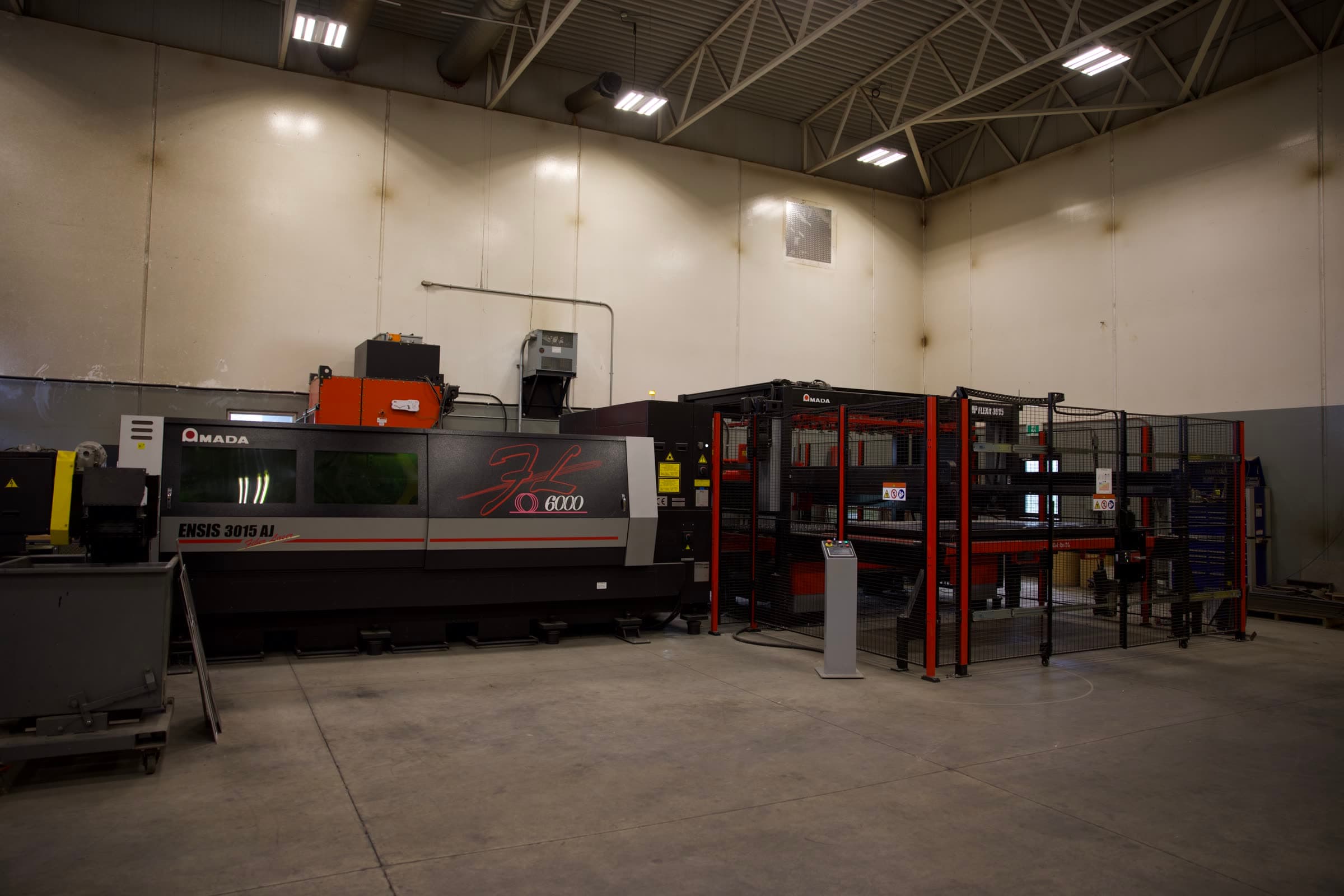
YOUR DXF → THE AMADA BED
- 01
Upload drawings
Drag in DXF, DWG, STEP, or PDF. The file leads — no form-filling to get started.
- 02
Process, material & thickness
Pick laser, brake, or weld; set material, grade, and gauge.
- 03
Quantity & prototype-vs-production
One-off or a run. We route volume to the robotic cells and redundant brakes.
- 04
Contact — last
Your details come at the end. By then we already know the part.
Keith replies within 1 business day. Need it sooner? Call (204) 866-3558.